How to Extract Audio from Any Video – Fast and Free
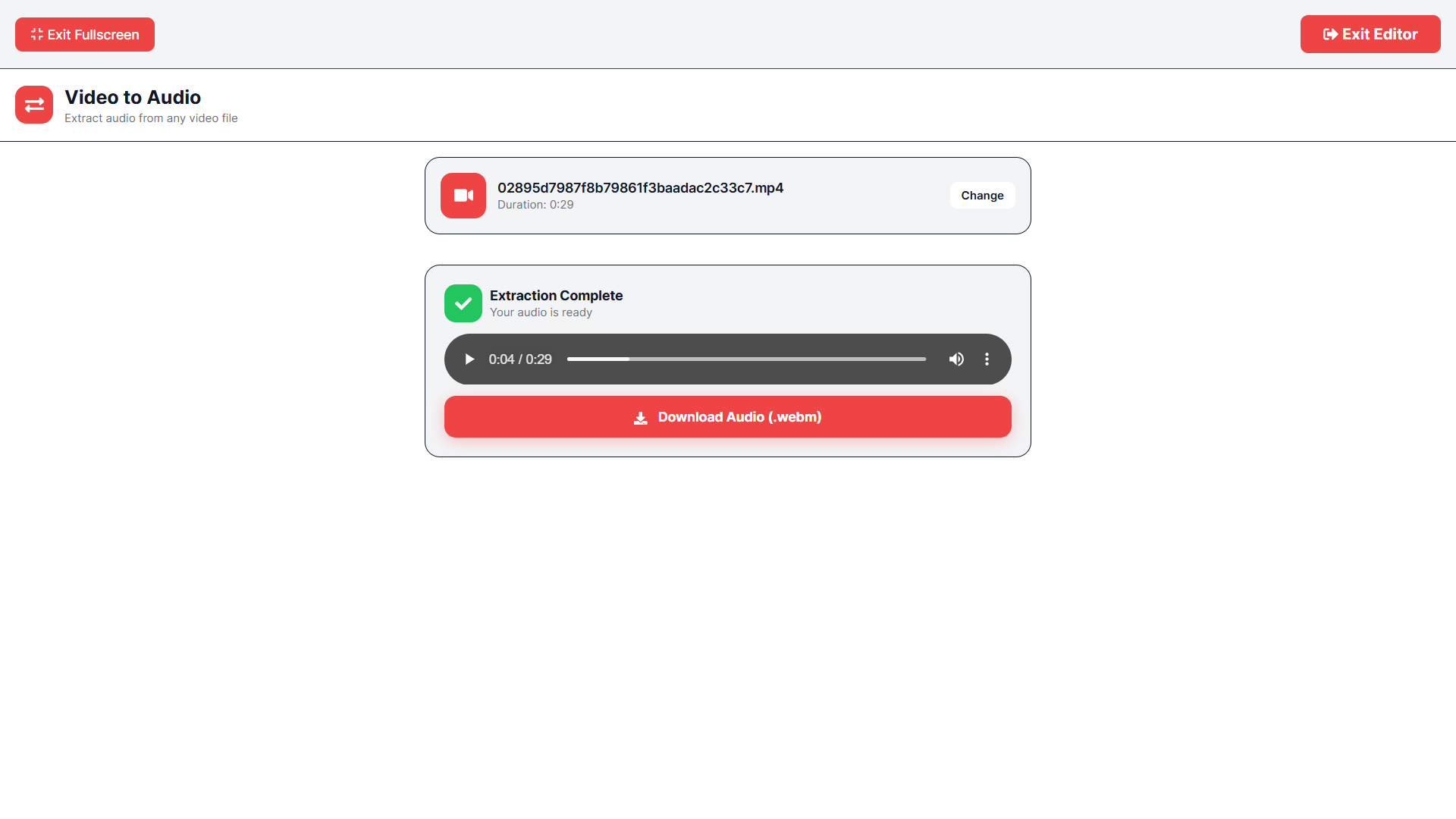
Have you ever stumbled upon a video with an incredible sound effect, a perfect music loop, or a dialogue snippet you wanted to save? I faced this all the time while creating content. Downloading the video and then hunting for a converter was a hassle, and most online converters were riddled with ads and file size limits.I built the AR Edits Video to Audio converter to solve exactly this problem. It’s a lightning-fast tool that extracts pristine audio from video files in seconds, with zero quality loss. No software downloads, no account creation, and no annoying restrictions.Here’s what you can do with our converter:Extract High-Quality webm: Pull the audio track and save it directly as a high-bitrate webm file, perfect for listening or further editing.Perfect for Podcasters: Grab interview clips from video recordings and turn them into podcast-ready audio.Sample Sound Effects: Isolate specific sounds from movies, nature videos, or game clips to use in your own projects.Preserve Original Quality: Our conversion process maintains the original audio fidelity, so you never lose clarity.Getting started is incredibly simple: Visit AR Edits, find the Video to Audio tool, upload your video file (MP4, MOV, AVI, etc.), wait just a few seconds for the extraction to complete, and click download. You’ll have a clean, high-quality audio file ready to use. Whether you're a podcaster, a musician, or just someone who wants that catchy song from a meme, our converter makes it effortless. Try it for free right now at AR Edits.